Spare change in.
A slice of crypto out.

Every card payment leaves a little behind. Tikkle rounds it up and finds a coin worth buying. You review and approve. The app does the thinking, you make the call.

Android for now · works with Kbank card payment notifications
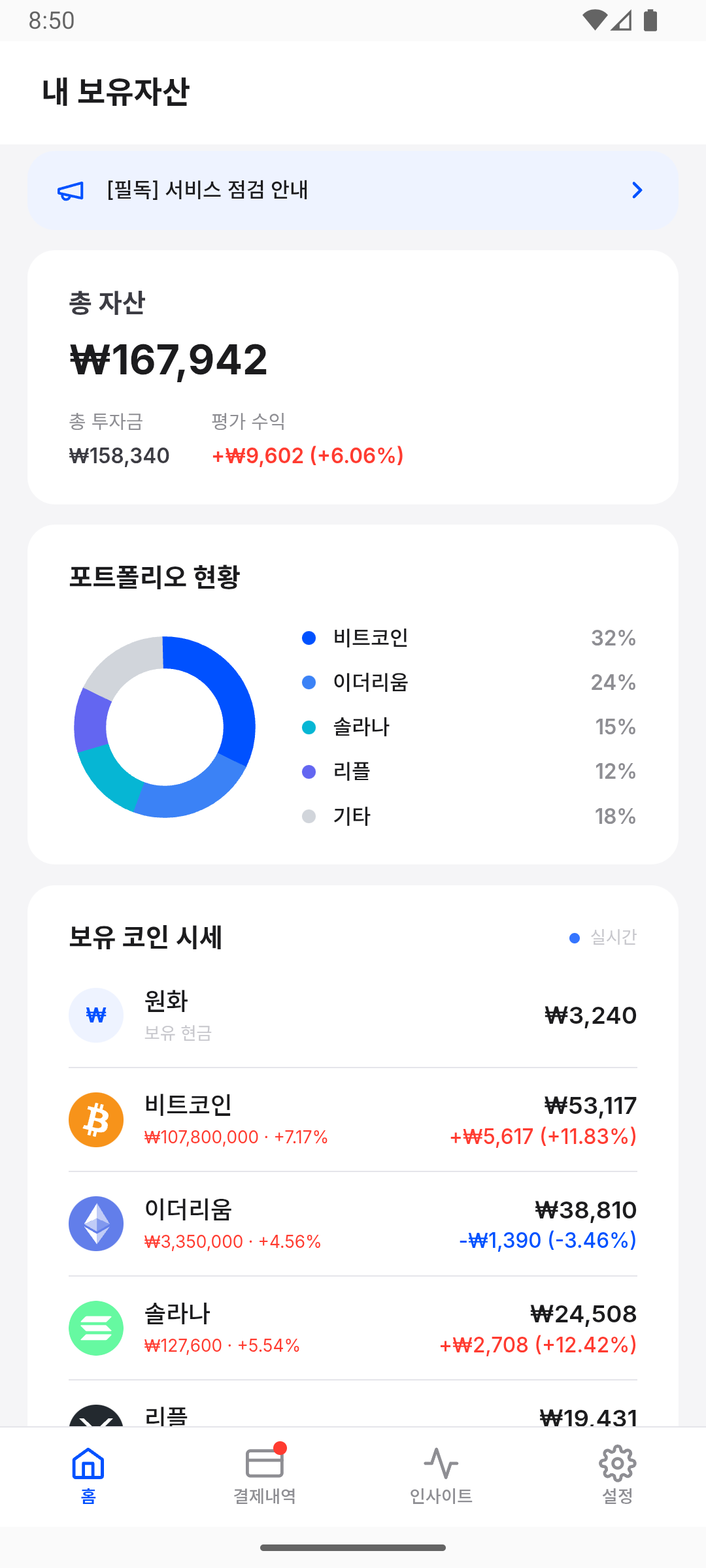
Tikkle home screen

Why haven't you started with crypto?

For most people it isn't a lack of interest. It's too many decisions.

How much should I start with?

A lump sum feels like too much, and a small amount feels pointless.

Which coin should I buy?

There are hundreds of coins, and the news you notice is usually old news.

Isn't this the top?

Waiting for the right moment turns into waiting, and a year goes by.

Tikkle takes all three decisions off your plate. The amount builds up from spare change as you spend, the app picks and proposes the coin, and you only decide whether to approve.

Three steps and you're set

Connect once. After that you only review and approve.

1

Connect your Kbank card

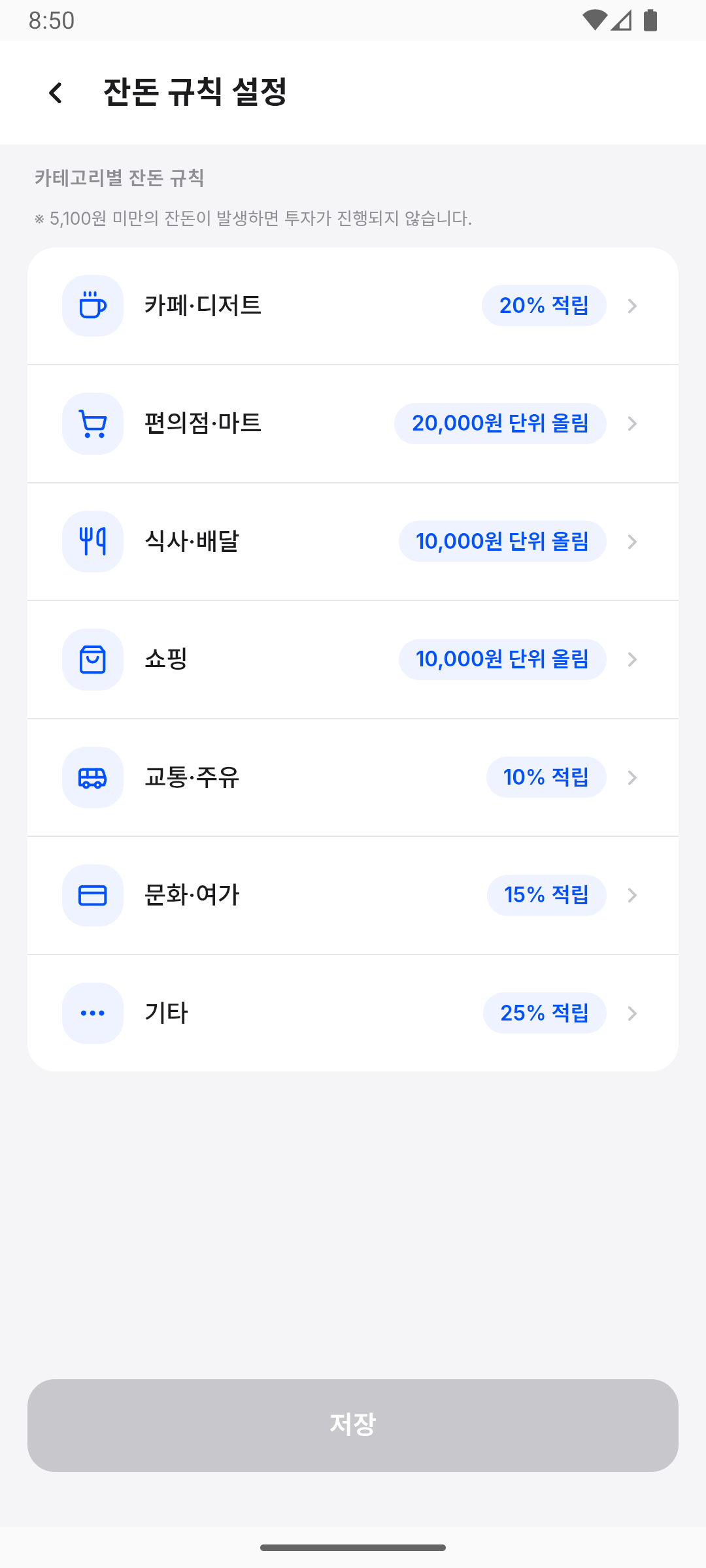
Register the last four digits of your Kbank card and choose how spare change is rounded. You can change the rule any time.

You also connect your Upbit Open API key and a two-factor method at this step. The app walks you through issuing the key.

2

Pay as usual, spare change adds up

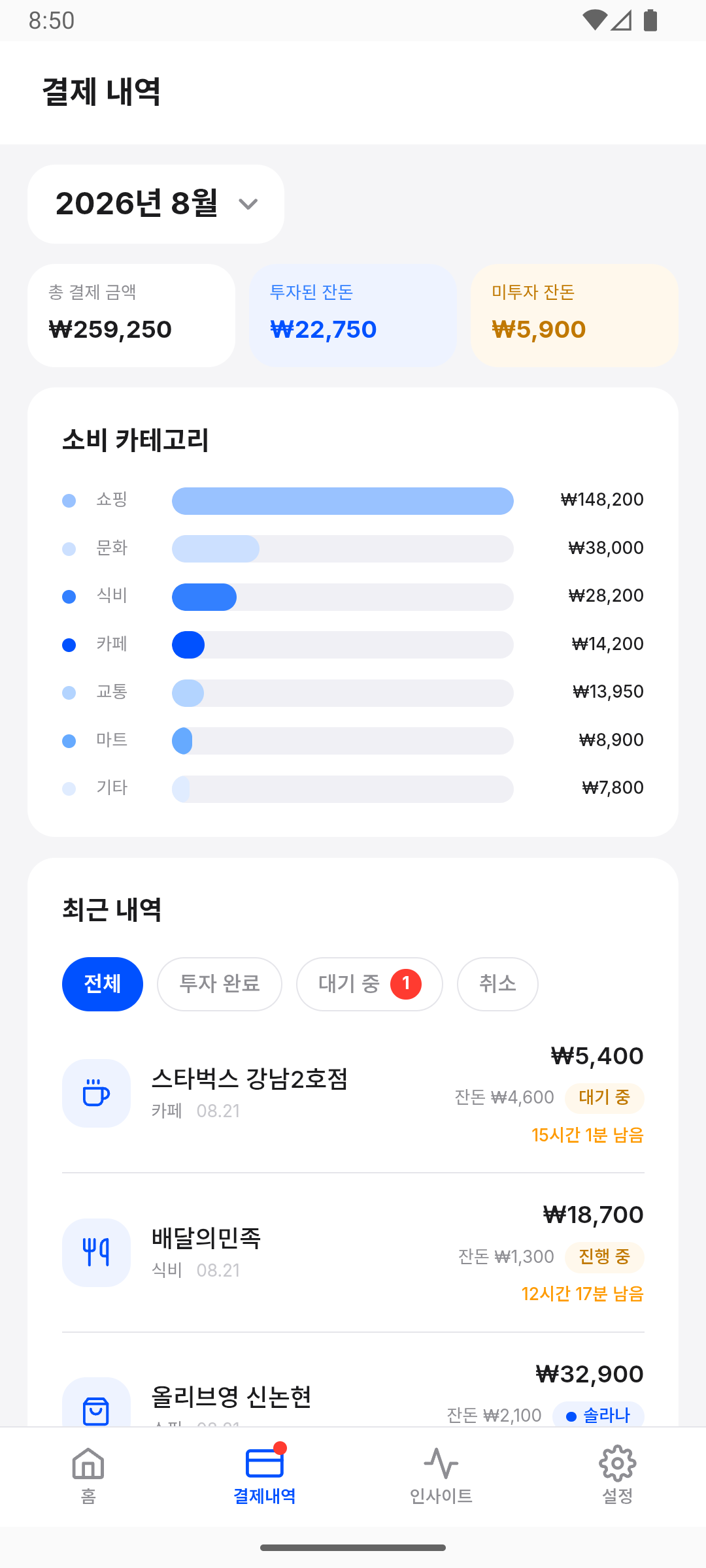
Pay like you always do and spare change accrues by your rule. You can review and edit every entry in the app.

3

Approve, and it's bought

When spare change comes in, the app proposes which coin to buy and how much. Review, approve, and it's bought on Upbit.

Things you pick up along the way

Not an app you open to study investing. One you learn from by using it.

Spare change counted for you, bought only after you approve

Picking the coin and sizing the amount is the app's job. You look at the proposal and decide.

Review your payments

Check each payment before it's invested and approve or decline it one by one. Miscategorised payments can be recategorised yourself.

Insights and glossary

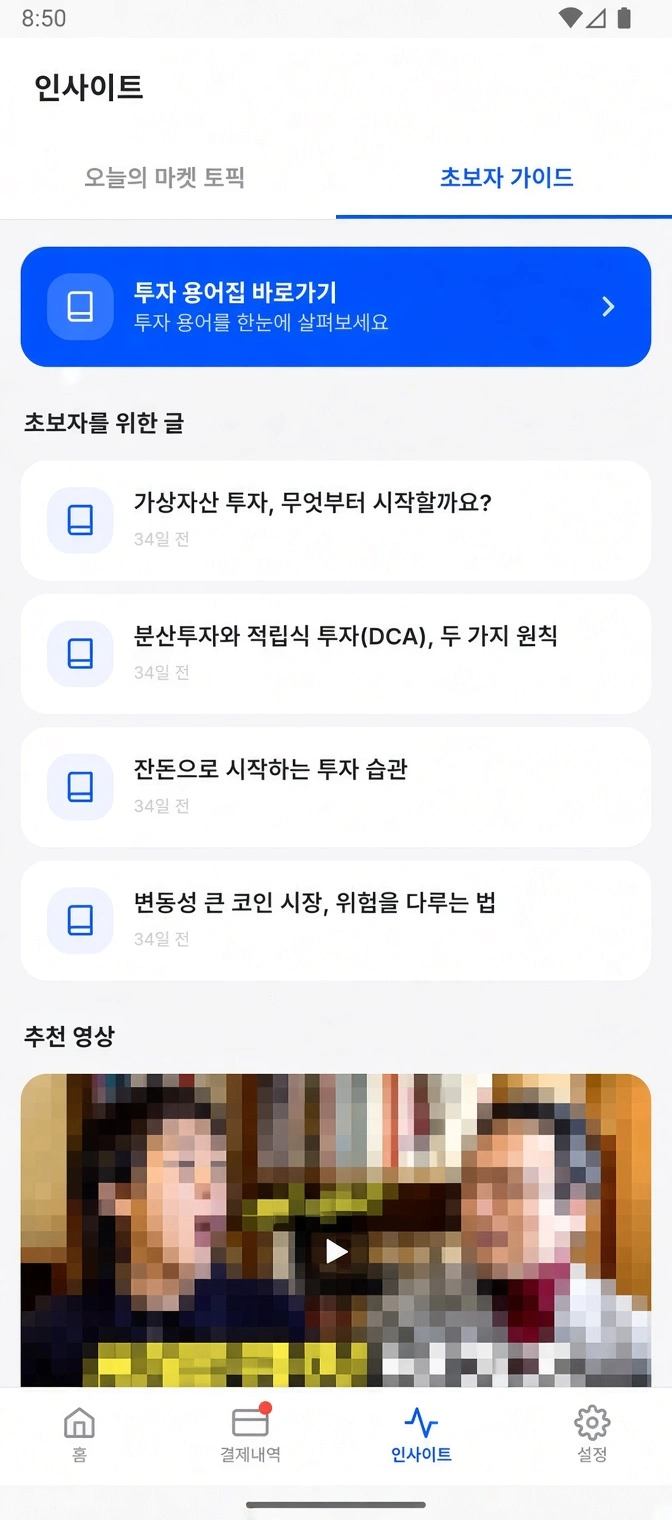
News about the coins you hold, summarised plainly, with a glossary for any term you don't know.

Category rules

Invest from cafés but skip rent. Set your own rule for each spending category.

What we read, and why

Money is involved, so we say this up front.

Notification access

To calculate spare change we read the amount and merchant name from Kbank card payment notifications. That permission is used for nothing else.

What we never read

We never ask for or store card PINs, account passwords or digital certificates. Notifications from other apps are not processed.

Pause and disconnect

You can pause reading notifications at any time and resume when you like. You can disconnect your card or delete your account, and deleting the account deletes the collected payment history with it.

Crypto assets can lose their entire value and are highly volatile. Tikkle does not take responsibility for investment decisions. Every investment decision is your own.

What it's built with

Tikkle runs on the following stack.

Spring Boot 4 · Java 21 · MySQL 8 · Redis 7 · Vue 3 + Capacitor · Upbit Open API · AWS (EC2 · RDS · Route 53 · Amplify)

The people behind Tikkle

Two of us, in Seoul, since May 2026.

Jungyoon Kim

Jungyoon Kim

Co-founder · CEO · Backend

Backend and infrastructure, including the payment pipeline, the AI recommendation engine and the Upbit integration.

HyungJun Lee

HyungJun Lee

Co-founder · COO · Frontend

The Android app (Vue 3 + Capacitor) and the landing page.

Start with what you spent today

Connect your Kbank card and Upbit account and you're off.

Download for Android (APK)
QR code for the APK download

Scan with your phone camera
to download · Android only

Installed outside the Play Store, so one Play Protect setting needs a change. The download page shows how

Questions? Write to support@tikkle.xyz.